Systems in practice

Practical operating systems, built from the work outward.

SSU connects data, field actions, review, automation, and documentation so recurring work becomes easier to operate and safer to change. The four sections below—property operating systems, operational control systems, software and integration systems, and AI and knowledge systems—are patterns SSU has built and hardened in real work, described here without client-specific detail.

Section 01

Property operating systems

Property operations create a dense web of locations, owners, listings, supplies, standards, inspections, expenses, documents, and exceptions. SSU organizes those relationships into practical systems that field teams can use and administrators can trust.

  1. Property directory

    One controlled record of properties, units, owners, statuses, and resources.

  2. Catalogs and standards

    Item catalogs, operating standards, and par rules built on stable identifiers.

  3. Field events

    Counts, receipts, inspections, and issues captured through guided interfaces.

  4. Current state

    Inventory, readiness, and exception status derived from the event history.

  5. Action queues

    Restock, purchasing, issue, and review queues that show what needs attention.

  6. Reporting and handoff

    Owner-ready summaries, audit history, and durable documentation.

01

Property and location data foundation

The operating problem

Locations, buildings, units or listings, owners or operating entities, statuses, and resources are described differently in every tracker, form, and folder—so every new tool starts from scratch and drifts out of sync.

The system

A master property directory acts as the upstream authority for the rest of the operating environment: property and location identity, building, unit, and listing relationships, owner or operating-entity records, lifecycle states from onboarding through archive, operating configuration, platform and system identifiers, controlled resource references, tracker eligibility, and created system instances.

The outcome

One verified property setup can support inventory, linens, inspections, expenses, reporting, document generation, and future applications.

Designed for continuity: stable identifiers—not display names, sheet rows, or URLs—act as permanent keys, so a property, listing, folder, vendor, or interface label can change without silently breaking downstream workflows.

02

Linen, equipment, and resource planning

The operating problem

Operating standards, location requirements, and purchasing data are rebuilt by hand every time they are needed, and each rebuild introduces new errors.

The system

A central item catalog with stable item identifiers, product types, sizes, vendors, package data, costs, and active status; bed and sleeping-position rules; required quantities and par logic; current counts and exception states; location-specific variations; purchase quantities and owner-ready summaries; and audit and change history. The catalog, operating rules, location requirements, current counts, and purchase outputs remain distinct but connected.

The outcome

Operating standards and real counts become a traceable, recalculable purchase plan rather than a one-time spreadsheet.

Designed for continuity: a product name, link, or package can change without destroying the logic that says why an item is needed—requirements are recalculated, not manually rebuilt.

03

Consumables and owner-closet inventory

The operating problem

Counts, receipts, and restock decisions live in texts, photos, and ad hoc spreadsheet edits, so nobody can say with confidence what is on hand, what was received, or what to buy next.

The system

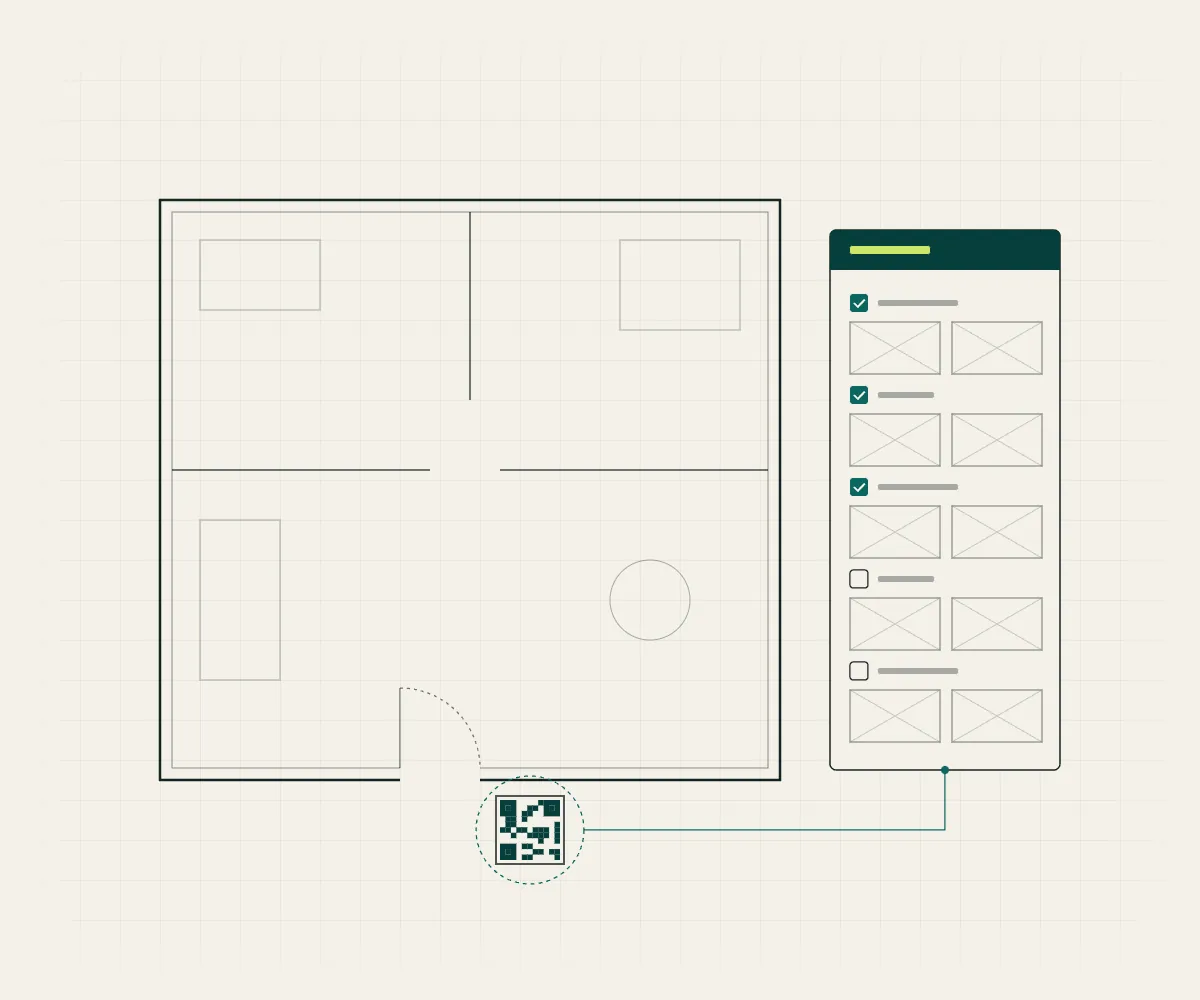
Standard, seasonal, and property-specific catalogs; stable item identifiers; counting units, par levels, critical-item flags, and reorder rules; count events that replace the observed quantity and receiving events that add incoming quantity, with separate logs for each; low-stock and restock status; shopping and replenishment queues; QR codes, guided forms, and mobile web entry; seasonal lifecycle rules; and employee and admin role separation.

The outcome

Counts and receipts become reliable operational records, with a visible action queue and an audit trail.

Designed for continuity: employees see a guided count, receiving, inspection, or issue interface—never backend state tables, formulas, or script configuration. The system records the event and updates only the intended state.

04

Turnover, readiness, and field inspections

The operating problem

Field inspections produce photos and messages, but findings lose their context, issues stall without owners, and nobody can show what was checked or what happened next.

The system

A reusable inspection-item library with stable item identifiers; sections, prompts, applicability rules, and photo requirements; property-specific and building-wide checks; submission records, timestamps, and inspector identity; pass, fail, review-needed, and exception states; issue creation from failed checks with severity, assignment, due dates, escalation, and closeout; and readiness dashboards with unresolved-issue queues.

The outcome

A field inspection produces an accountable operating record and a visible path from defect to resolution.

Designed for continuity: checklist wording can evolve while stable item identity preserves reporting continuity across template versions.

05

Expense, receipt, and adjustment workflows

The operating problem

Recurring financial workflows depend on fragile spreadsheets where one stray edit breaks a calculation, and supporting documents are scattered across inboxes and folders.

The system

A guided monthly workflow spanning manual expense entry, bank-data import, receipt import and document routing, OCR review, draft review, property assignment, reimbursable classification, owner or client adjustments, supporting-evidence review, quality checks, and submission and closeout—with accessible manual-entry paths, workflow guidance, alerts, guardrails, and visible calculation logic.

The outcome

Recurring financial work becomes a guided, reviewable process with supporting evidence and safer correction paths.

Designed for continuity: input zones are separated from formula zones, review states are explicit, and corrections follow a safe, recorded path instead of silent edits.

06

Onboarding, offboarding, and controlled property change

The operating problem

Adding or removing a location touches records, folders, trackers, access, and standards in many places at once—and manual updates miss some of them every time.

The system

Property operations treated as lifecycle systems: initial setup and readiness checks, required records and dependencies, tracker eligibility and creation, folder and resource registration, system-access references, operating exceptions, status transitions, offboarding and archive preservation, and retention of decision and change history.

The outcome

Adding, changing, pausing, or removing a location becomes a controlled workflow rather than a series of disconnected manual updates.

Designed for continuity: the same foundation—stable IDs, normalized tables, event histories, explicit roles, and status lifecycles—is designed to carry these workflows into future application modules for property administration, inventory, receiving, inspections, issues, and release review.

Section 02

Operational control systems

When work lives across spreadsheets, inboxes, documents, and individual memory, every handoff carries risk. SSU creates the shared structure that keeps state, decisions, ownership, and next actions visible.

07

Source-of-truth architecture and operating registries

The operating problem

Not every file, workbook, repository, or chat has equal authority—but when everything looks equally current, old material gets mistaken for instruction and conflicts go unnoticed.

The system

Source maps that identify which system controls each class of information; approved, draft, under-review, superseded, and historical states; update ownership; staleness detection; conflict escalation; and pointers that replace uncontrolled duplicate copies. Supporting registries—project and workstream, resource, tool and automation, version and release, template, instance, decision index, known-issue register, and dependency map—each answer a recurring operating question that would otherwise require guesswork.

The outcome

Operators can identify the current answer and understand why it is current.

Designed for continuity: current operating state is verified against live systems, not assumed from memory or stale notes.

08

Work queues, decisions, and issue prevention

The operating problem

Projects stall when nobody can say what the current objective is, what is blocked, which decisions are pending, or what the exact next action should be—and failures repeat because their lessons were never captured.

The system

A continuity structure covering the current objective, verified current state, completed and active work, blockers, risks, decisions pending, deferred work, and the exact next action. When a meaningful failure is found, the system records the observed failure, reproducibility, verified root cause, containment, impacted systems, a prevention rule, required regression coverage, owner, status, and evidence of resolution.

The outcome

People and AI tools return to a project without reconstructing the work from chat history.

Designed for continuity: resolved issues leave behind durable prevention rules and regression coverage without remaining forever in an active blocker list.

09

DevOps and production controls

The operating problem

Operational software—workbooks, scripts, governed documents, internal apps—often changes through untraceable patches, so a working system is one edit away from a failure no one can diagnose or undo.

The system

Verified baselines before any change: the governing objective, current live baseline, test and production targets, installed and candidate versions, allowed files and forbidden scope, known issues, and the backup and recovery path. Work ships as source-controlled packages with a manifest, version identity, dependency closure, release notes, QA evidence, and a rollback artifact. Releases move through a safe test copy, pre-install validation, an install record, a runtime smoke test, post-install readback, a promotion decision, production verification, and cleanup of test fixtures. Schema manifests define tables, columns, key fields, manual-entry and computed zones, protected ranges, and downstream consumers.

The outcome

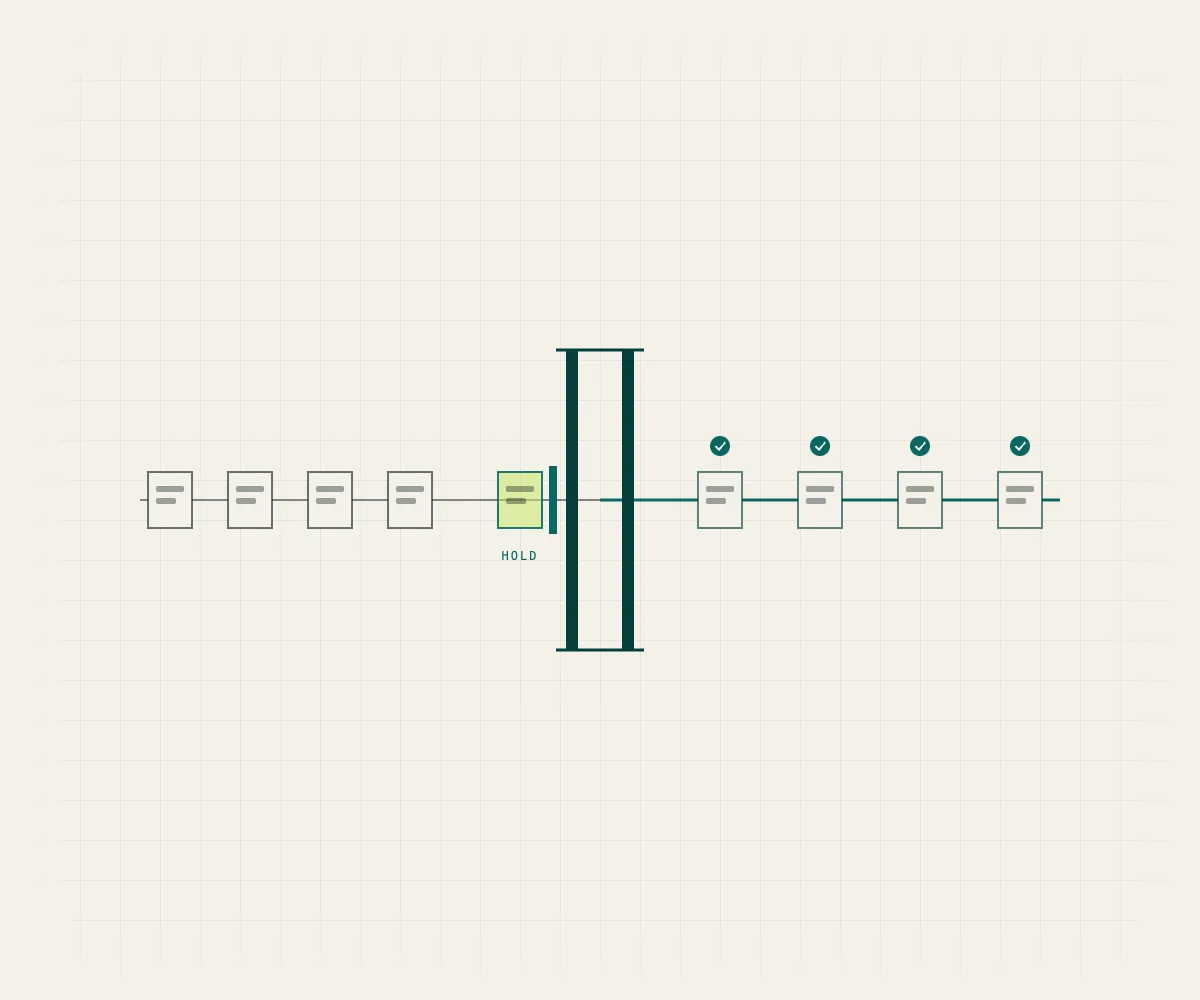
Completion is not a tool saying “success.” Completion is the live system behaving as intended, with evidence and a recovery path.

Designed for continuity: recovery is designed before a risky change—last-known-good package, backup, restore instructions, and stop conditions for repeated failure, source conflict, or unverifiable results. If a write cannot be verified, the system reports the limitation rather than claiming completion.
10

Handoffs and technology transfer

The operating problem

Work handed off as a transcript dump or a folder of files forces the next person—or the next AI session—to reconstruct the project before they can continue it.

The system

Restart-ready handoffs that carry the objective, current state, frozen decisions, assumptions and unknowns, source references, version context, resolved issues, current blockers, accepted exceptions, explicit non-goals, ordered next actions, QA and recovery requirements, and success criteria. Reusable systems can be packaged as portable exports with client-specific names, paths, data, and configuration removed.

The outcome

The recipient receives an independent system, setup guide, and operating standard—not access to someone else’s environment.

Designed for continuity: a proper handoff allows the work to continue safely without the original author in the room.

Section 03

Software and integration systems

SSU connects operating requirements to durable technical architecture: stable data, explicit system boundaries, modular integrations, observable workflows, safe failure behavior, and clear acceptance tests.

  1. Requirements

    Mission, user outcomes, functional and nonfunctional requirements, roles, and boundaries.

  2. Data contracts

    Stable IDs, normalized records, entity relationships, status lifecycles, and event models.

  3. Adapters and interfaces

    Defined interfaces with replaceable storage, integration, and AI-provider layers.

  4. Test environment

    Safe test copies validated while the production artifact stays untouched.

  5. Approved release

    Human-reviewed changes promoted with install records and version identity.

  6. Runtime evidence

    Smoke tests, readback, and audit records that show the live system works.

11

Requirements, stable data, and event models

The operating problem

Without defined boundaries and a stable data model, an internal tool becomes an undefined collection of features that no one can safely extend.

The system

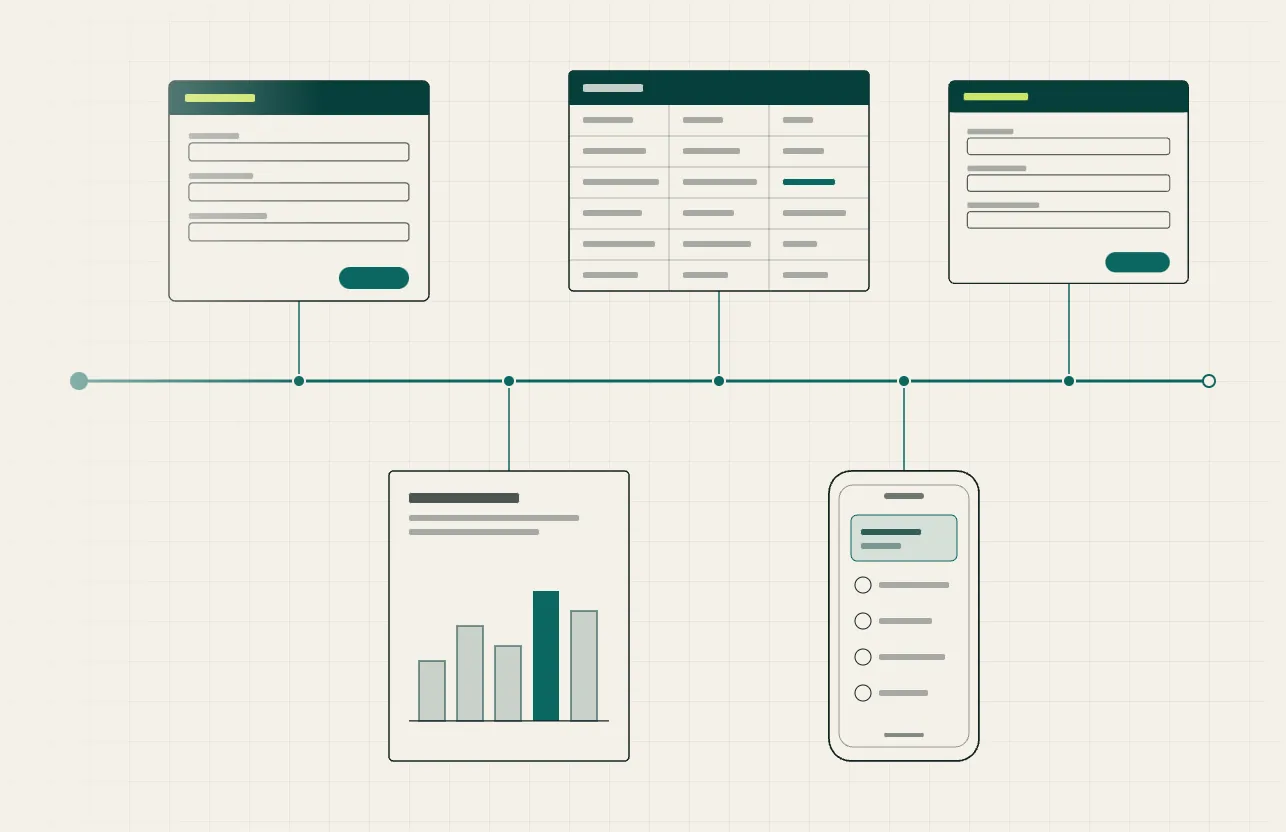
A design process that identifies mission and user outcomes, functional and nonfunctional requirements, human roles and authority, data ownership, system boundaries, assumptions and constraints, failure modes, deferred scope, and acceptance tests. Core data patterns include stable IDs rather than display text as keys, normalized records, explicit entity relationships, status lifecycles, append-only events where history matters, derived current state, source and timestamp on material records, and separation of catalog, rule, state, and event data.

The outcome

Build the first practical version without trapping the operation in its first tool.

Designed for continuity: the data model stays forward-compatible with an application database, so today’s workbook or form can become tomorrow’s app module.

12

Modular, provider-flexible local applications

The operating problem

Tools that hard-wire one vendor, one storage layer, or one AI model turn every provider change into a rebuild—and every credential into a liability.

The system

Local application architecture with frontend and backend separation; API adapters sharing a common contract; local persistence with file-based attachments; configurable environments; server-side credential handling with no keys embedded in browser code; least-necessary permissions and safe defaults that stop on uncertainty; local-network and private remote access; progressive web-app support with mobile capture and field entry; and replaceable storage and AI-provider layers. Observability is built in: execution logs, error logs, activity logs, system-health records, version and deployment records, and honest reporting of unverified states.

The outcome

A workflow is not unnecessarily bound to one AI model, storage tool, or integration.

Designed for continuity: future capabilities—including local models—can arrive behind the same interface without rebuilding the workflow around them.

13

Human-approved write systems

The operating problem

Letting AI edit controlled resources directly turns every suggestion into an unreviewed change—and plain files, structured documents, spreadsheets, and repository code cannot be treated as interchangeable text blobs.

The system

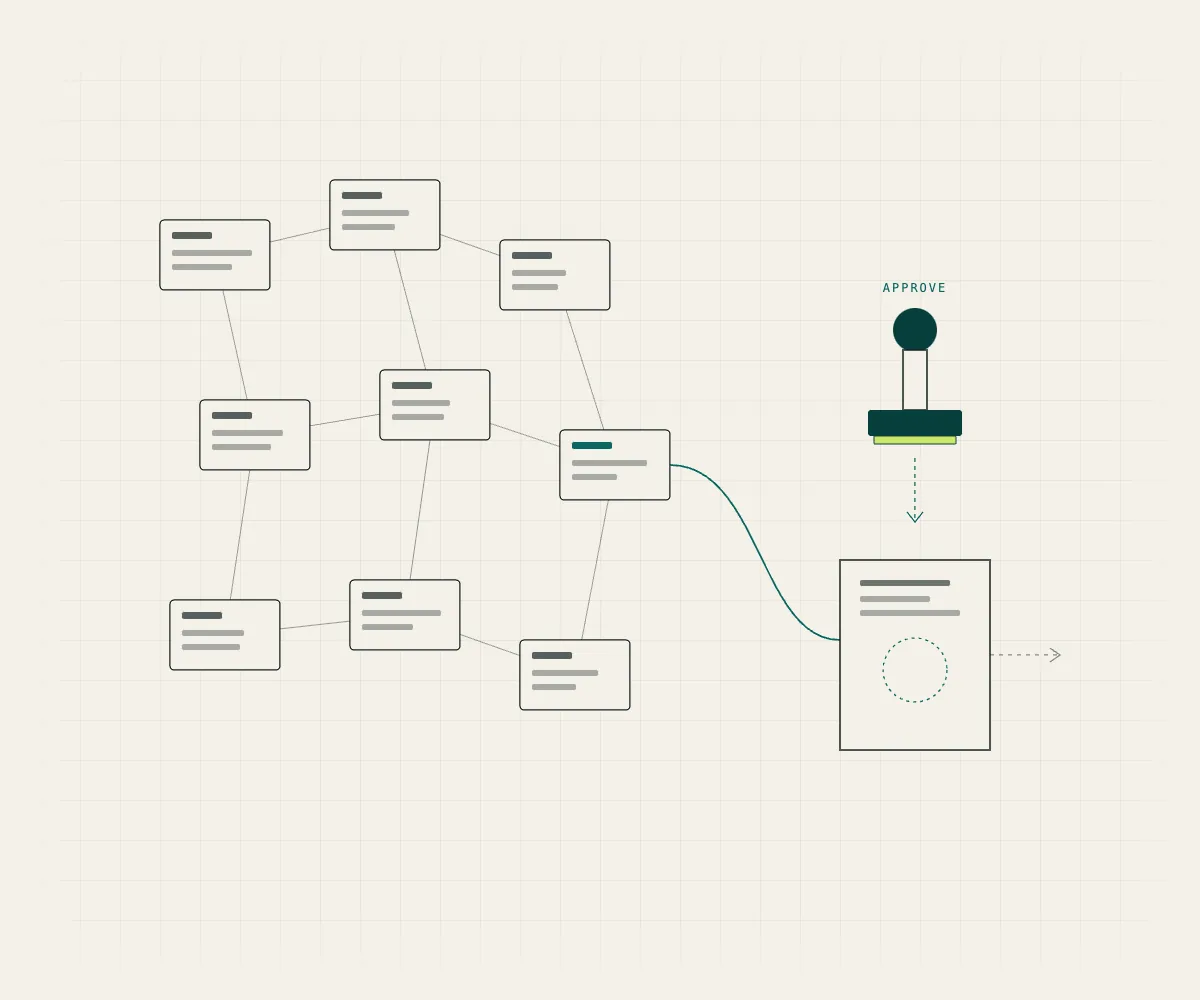
A write pattern SSU has engineered end to end: read the current resource, show source and context, generate a proposed change, display a human-reviewable diff, approve or reject—with timeouts defaulting to rejection—write through the correct resource-specific adapter, read back the actual result, compare it with the approved change, and record the model, target, operation, result, and evidence in an audit log.

The outcome

AI can propose changes to controlled resources while a person retains approval authority over every material change.

Designed for continuity: every write is verified by reading the target again—the audit trail records what actually happened, not what was intended.

Section 04

AI and knowledge systems

AI is most useful when it can find the right context, understand its authority, show its proposed action, and leave the final decision with the responsible person.

14

Local-first knowledge and retrieval

The operating problem

Project knowledge scattered across drives, docs, and chat threads cannot be searched with confidence—and a search hit is not the same thing as an authoritative answer.

The system

A local knowledge environment combining markdown-based canonical project knowledge, semantic and keyword retrieval, automatic or manual index refresh, retrieval scoped to the correct knowledge collection, project-specific current state and decision records, relationship analysis as a derived view, and cloud documents represented by controlled pointers where appropriate.

The outcome

The retrieval engine helps find evidence; it does not decide which source is authoritative.

Designed for continuity: search evidence stays separated from source authority, so fast answers never quietly replace controlled ones.

15

Multi-model tooling and AI-assisted project control

The operating problem

AI tools are useful in the moment, but chat transcripts are not a system of record—context evaporates between sessions, and unverified output can quietly become “truth.”

The system

A local application pattern that routes work to different AI providers through a shared interface, compares provider responses, maintains persistent project context, stores data locally, keeps credentials server-side, and handles provider outages gracefully—paired with a governed project memory: source hierarchy, current state, decisions, queues, handoffs, QA records, activity logs, tool registries, source-grounded retrieval, and clear role and authority boundaries among AI agents and human decision-makers.

The outcome

Give teams and AI tools the context, authority rules, and evidence needed to continue complex work without starting over.

Designed for continuity: durable decisions are promoted into controlled sources with evidence labels and readback requirements—no chat transcript or model memory automatically becomes truth, and consequential actions stay under human review.

Built to evolve

Not trapped in the first tool.

SSU may use spreadsheets, scripts, cloud drives, forms, lightweight web interfaces, local knowledge tools, or other practical components—whatever fits the operation today. The tool is a starting point, not a ceiling.

A spreadsheet can be a useful operating layer without becoming a permanent limitation. Stable identifiers, normalized tables, event histories, explicit roles, and documented interfaces allow today’s practical system to become tomorrow’s application without rebuilding the operating logic from memory.

Systems designed to evolve without discarding their history.

Contact

Which of these looks like your operation?

Contact SSU